Using the left sidebar
The sidebar on the left of the main area switches between four views.
| Tab | Contents |
|---|---|
| Students | The list of connected students at a glance (the default view). |
| Activity log | A time-ordered record of what has happened in the console — commands run, connections and disconnections. |
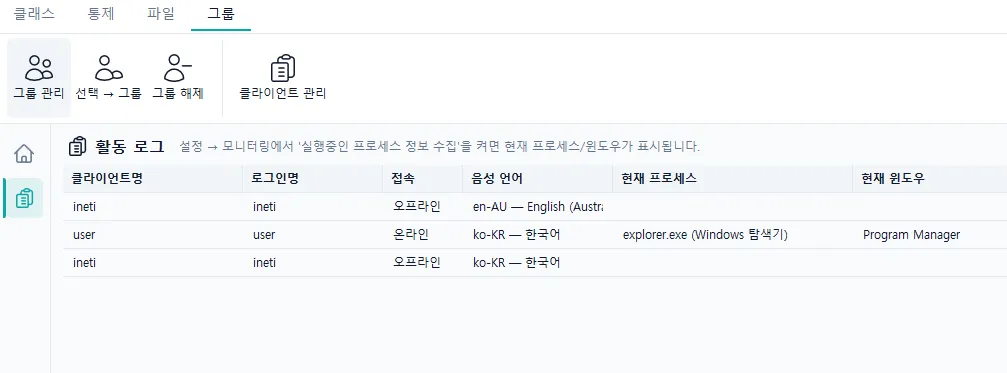
The activity log tab also shows whether a student is connected, which processes are running, and window information.